MeetMic 1.26
We're excited to announce MeetMic 1.26, featuring significant improvements to recording stability, new batch operations, enhanced speaker detection, and expanded model support!
New Features
New Recording Engine
We've completely rewritten our recording engine from scratch for maximum reliability and performance. Audio is now incrementally saved to disk during recording, not just held in memory. This eliminates the risk of losing your recordings due to app crashes or macOS issues.
Bulk Deletion in History
The long-awaited batch operations have arrived in the transcription history view. You can select multiple transcriptions simultaneously to delete them in bulk. No more tedious one-by-one deletions.
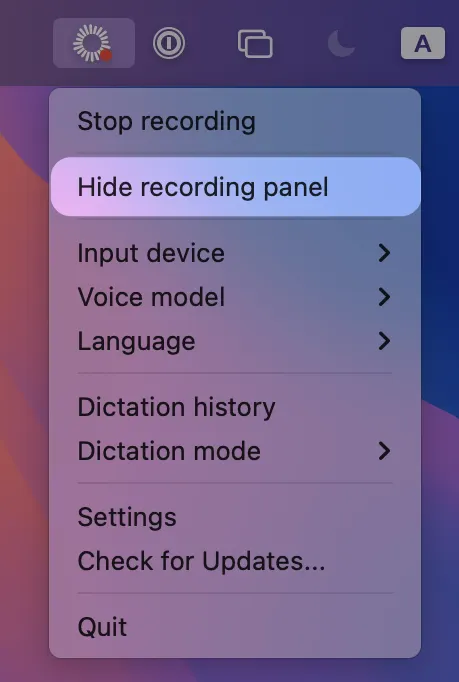
Hide Recording Panel
Don’t want to get unnecessary attention while you recording? You can now hide the floating recording panel for good. Simply go to MeetMic icon → Click on "Hide recording panel"
Qwen 3 ASR Support
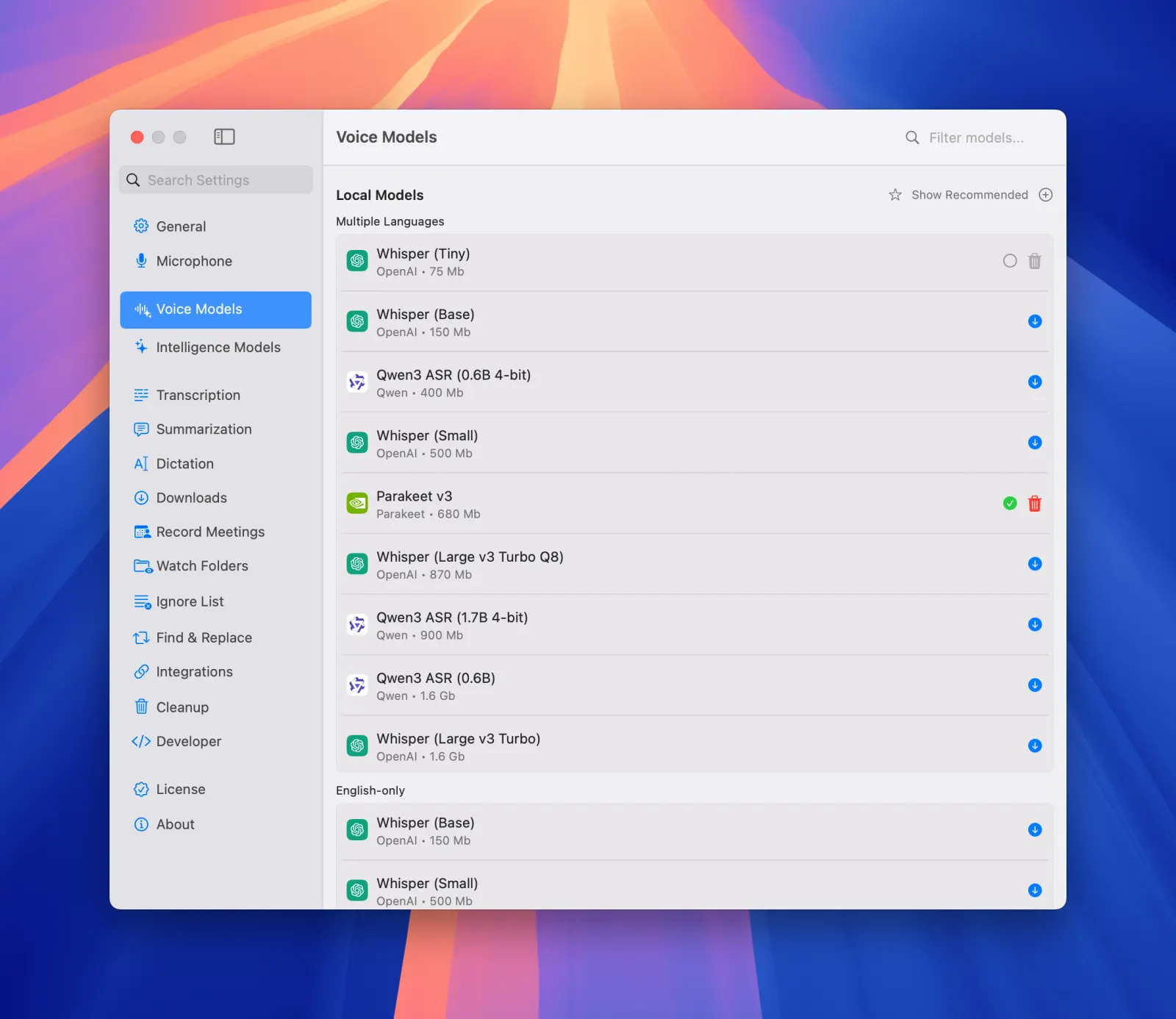
We've added support for Qwen 3 ASR models. Qwen ASR has exceptional quality with Asian languages, surpassing Whisper in many cases.
Note: While speech recognition is excellent, segment separation is not yet ideal. Perfect for users who prioritize transcription accuracy over segment boundaries.
Go to Settings → Voice Models → Local Models → Click on “Show all“ → Qwen 3 ASR
Accurate Automatic Diarization
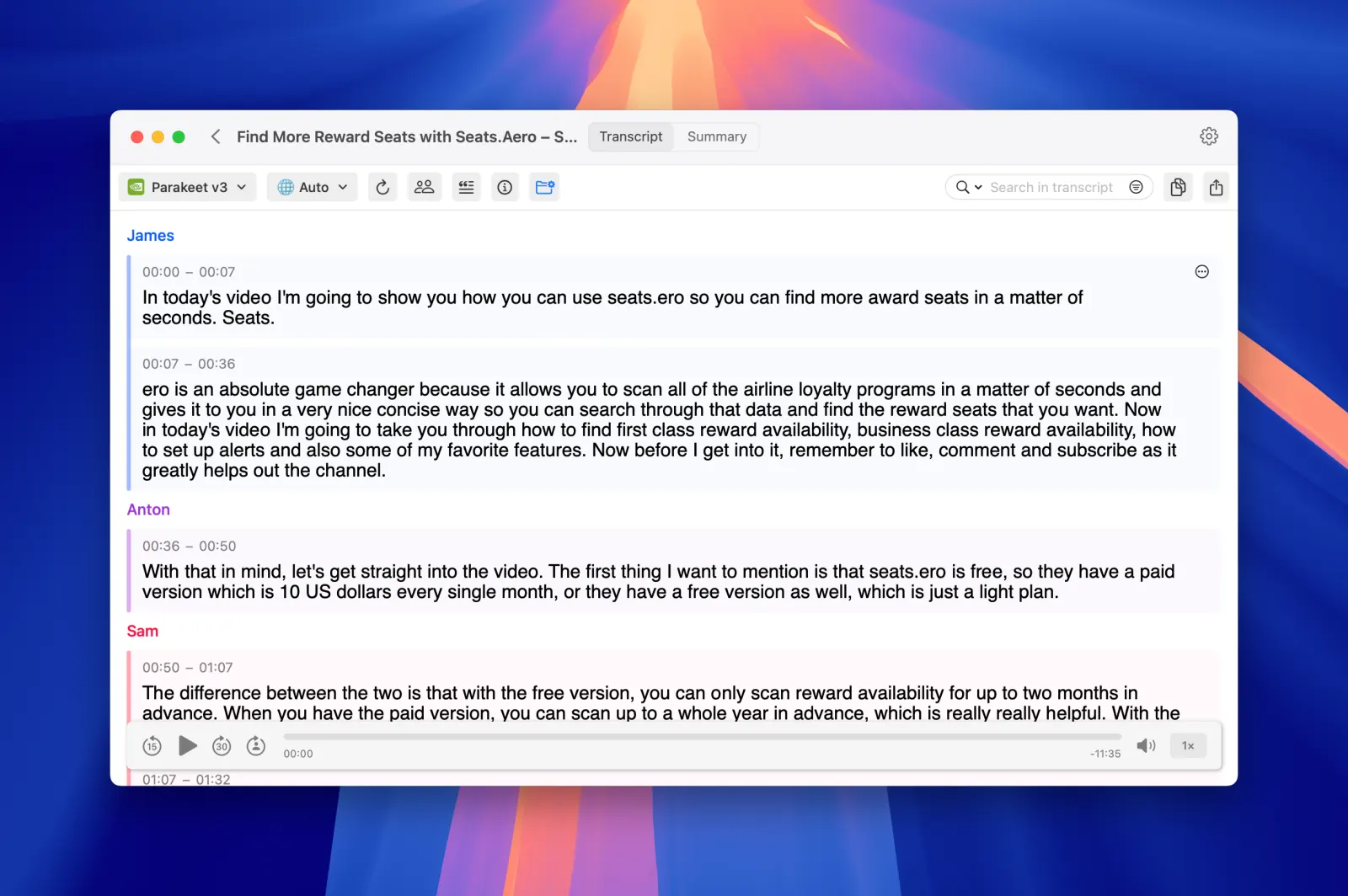
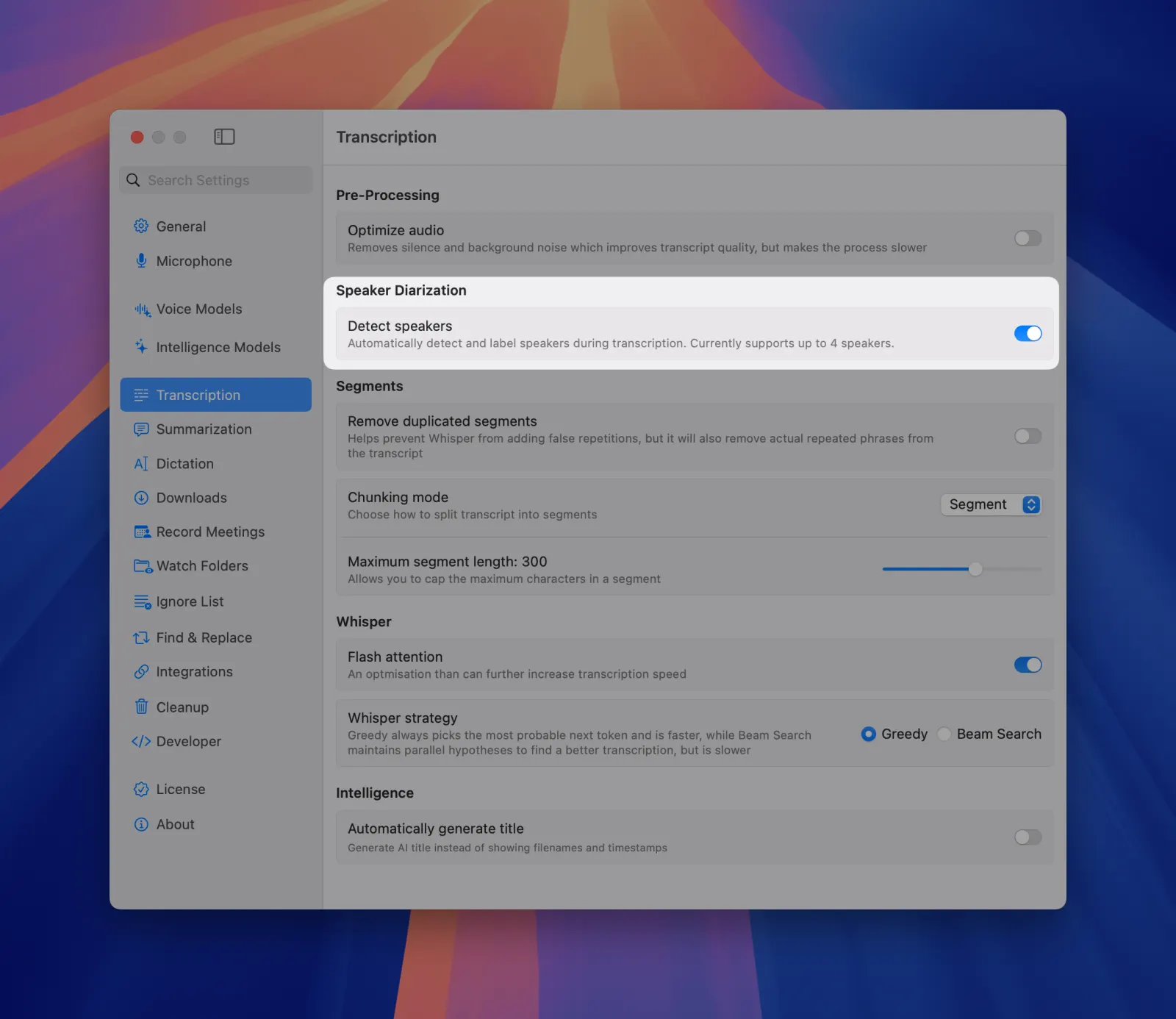
Our diarization capabilities have been significantly improved with new sortformer-based model. It has more accurate speaker separation in complex audio environments. Also you can enable automatic diarization for all new recordings.
Go to Settings → Transcription → Detect speakers
Note: Currently diariazation supports only up to 4 distinct speakers.
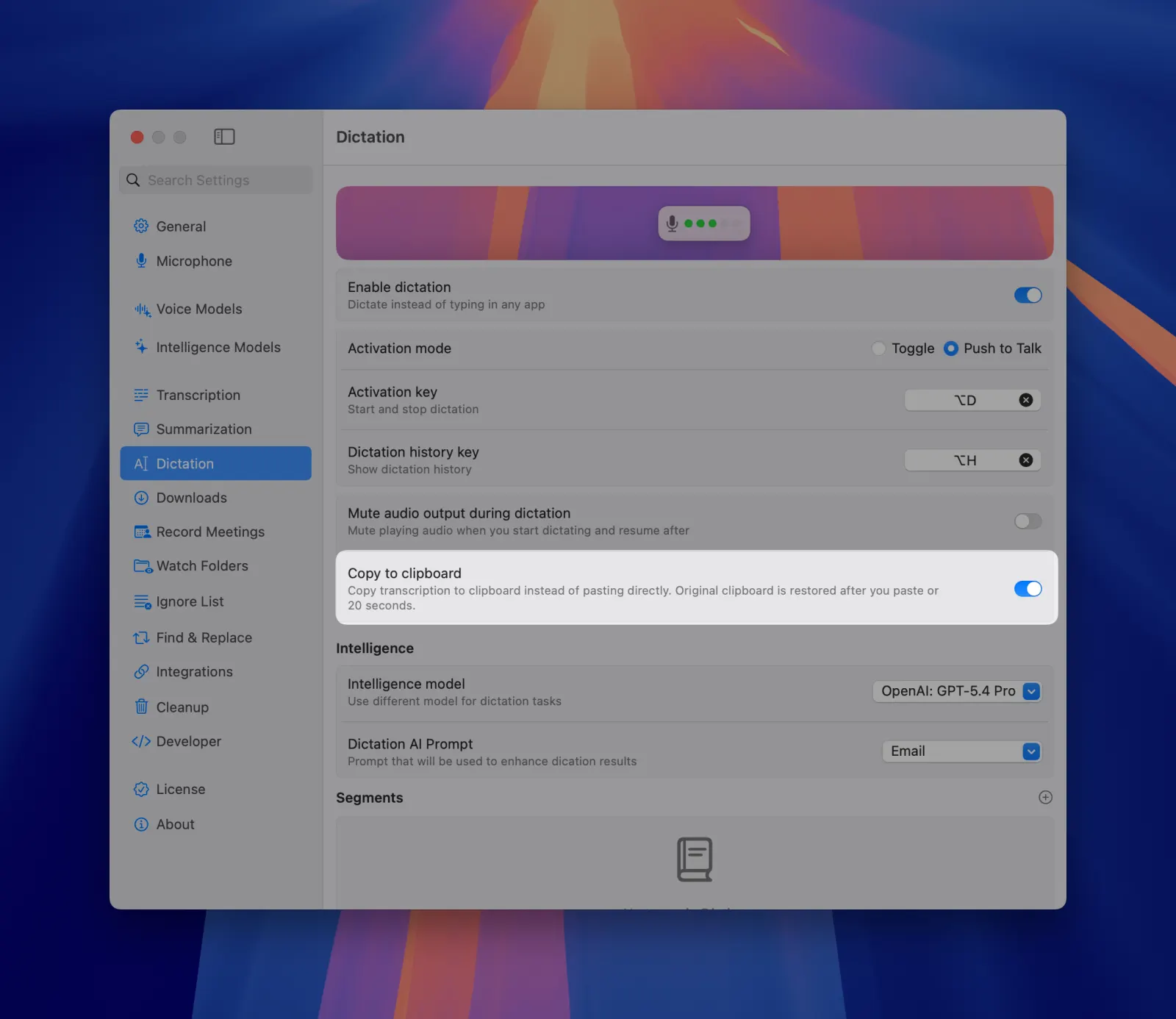
Automatic Dictation to Clipboard
Enable automatic copying of dictation results to your clipboard. Instantly paste transcribed text into any application with Cmd+V. Eliminates the extra step of manually copying from MeetMic Dictation History.
Go to Settings → Dictation → Copy to clipboard
As always, we're committed to making MeetMic the most reliable and powerful transcription tool for your workflow. Thank you for your continued feedback and support!
The MeetMic Team